Carpe Iter handlebar controllers are fully compatible with MyRoute-app (MRA) and offer additional function not found on other remotes.
The Controller, however, must be enabled within MRA:
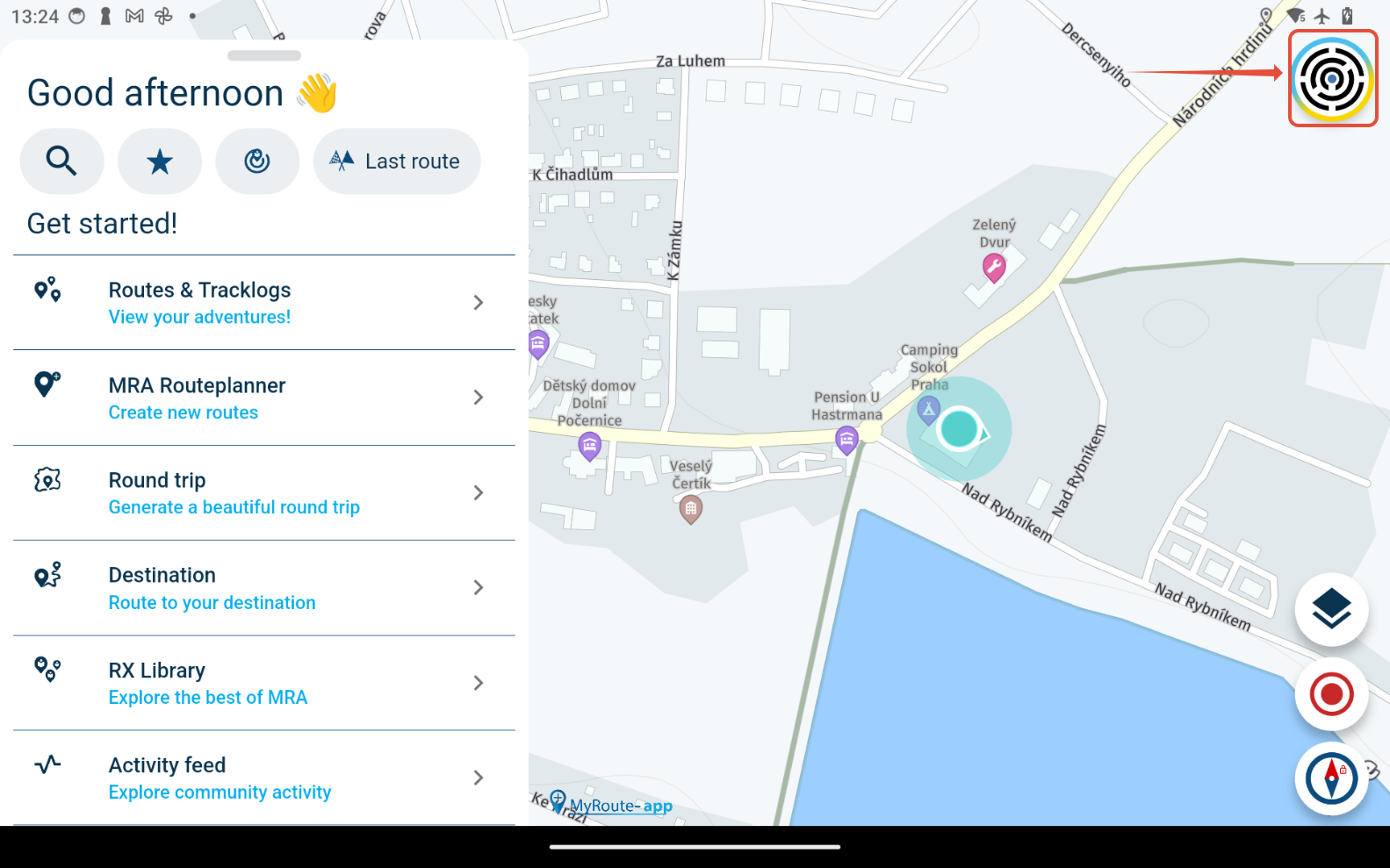
a. on MRA main screen go to your Account settings (tap on your avatar in top right corner)
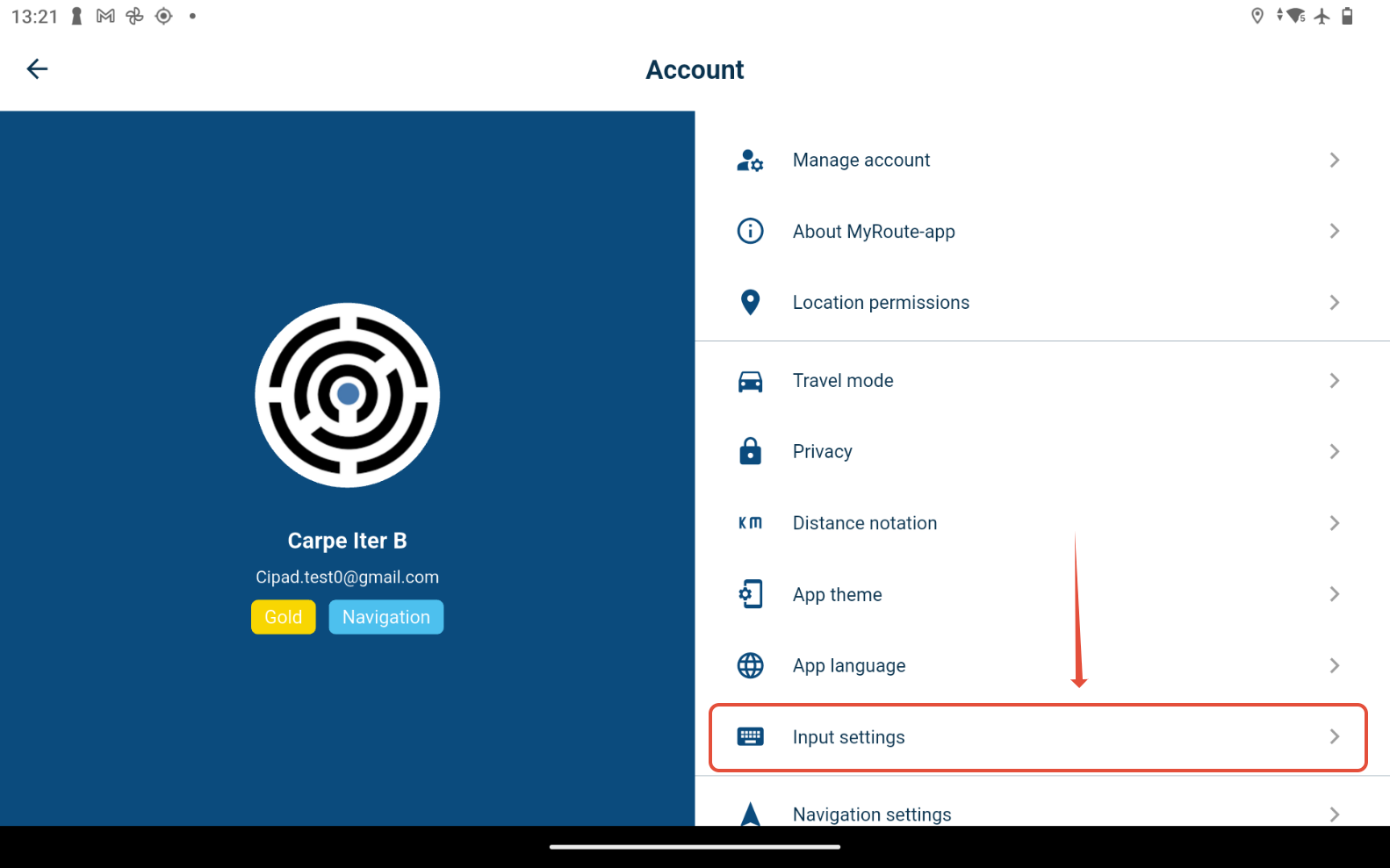
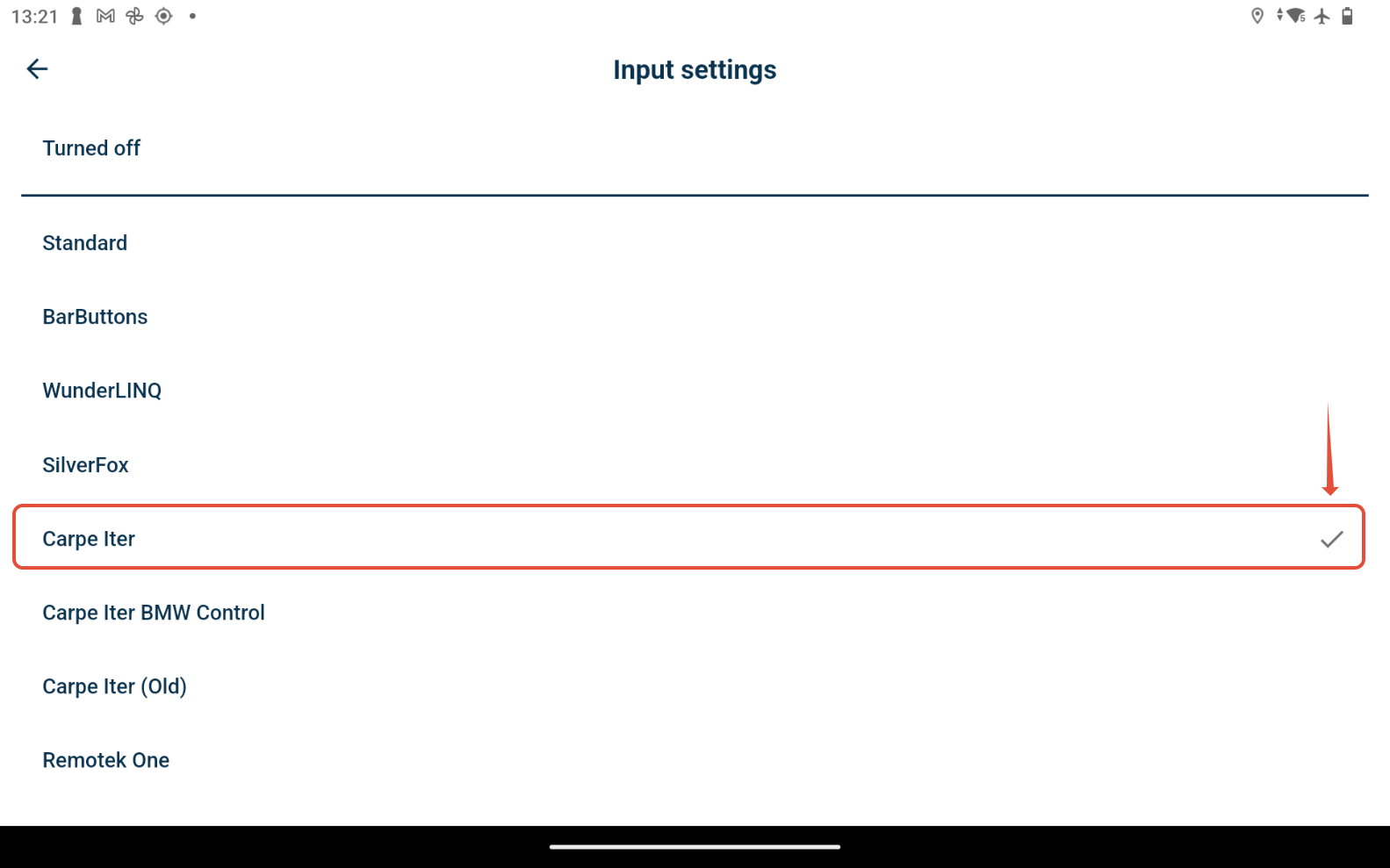
b. go to "Input settings" menu item and select "Carpe Iter"
It is recommended to use the general "Carpe Iter" settings for all Carpe Iter controller types, including BMW Control and BMW Multicontroller on the Caretta. Default controller layout is optimized for that settings.
Carpe Iter controller (including BMW Multicontroller on the Caretta) can be additionally configured in the NGH controller configuration interface (functions assigned to different buttons, etc.).
Was this article helpful?
That’s Great!
Thank you for your feedback
Sorry! We couldn't be helpful
Thank you for your feedback
Feedback sent
We appreciate your effort and will try to fix the article