

Updating Controller Firmware via NGH (OTA)
Carpe Iter controller firmware updates are delivered over-the-air (OTA) via the NGH app. Follow the steps below to update your controller:
- Ensure your Android device is connected to the Internet.
- Connect your controller to the Android device and select it in NGH. Wait for the controller status icon to turn green (this is usually instantaneous).
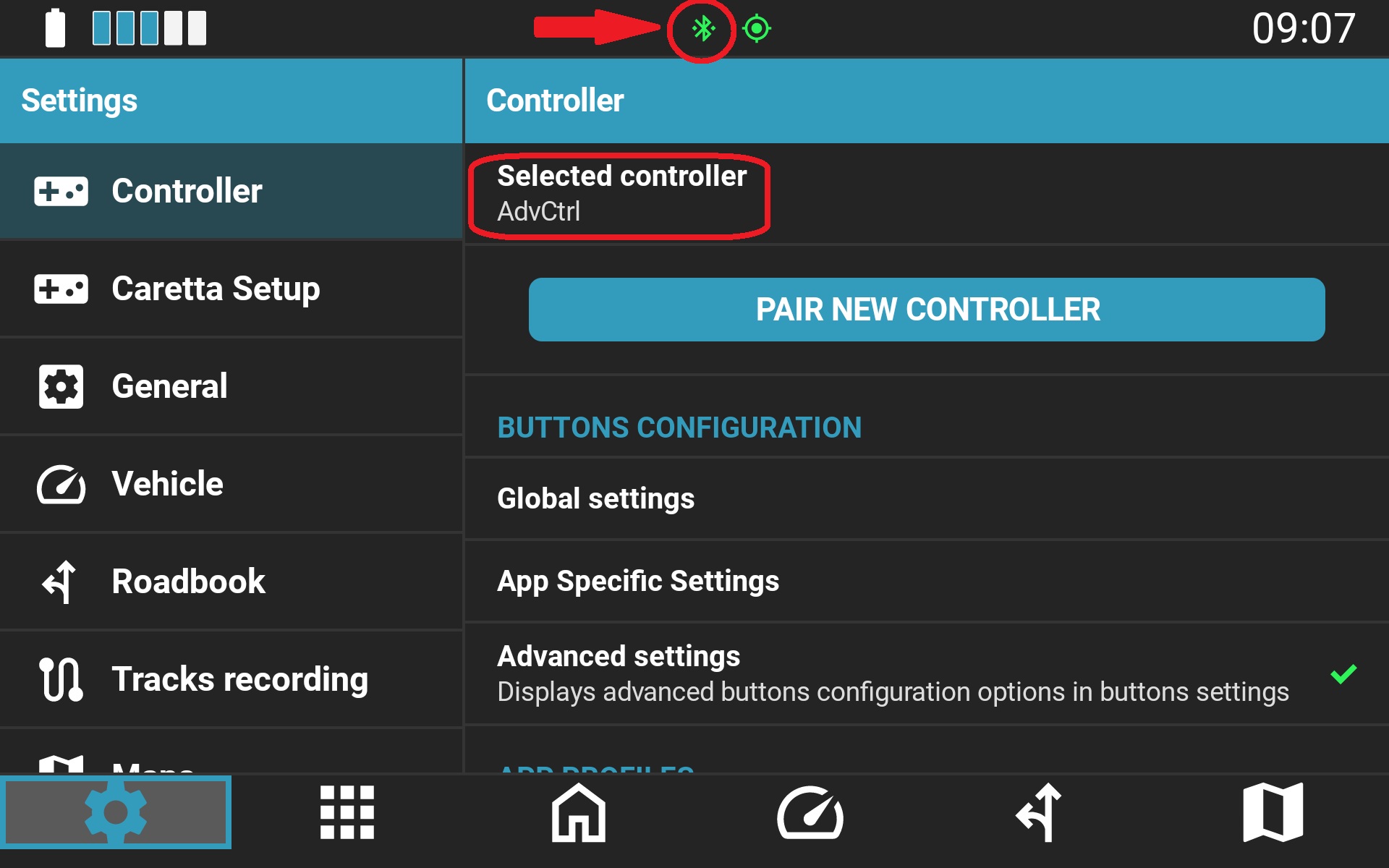
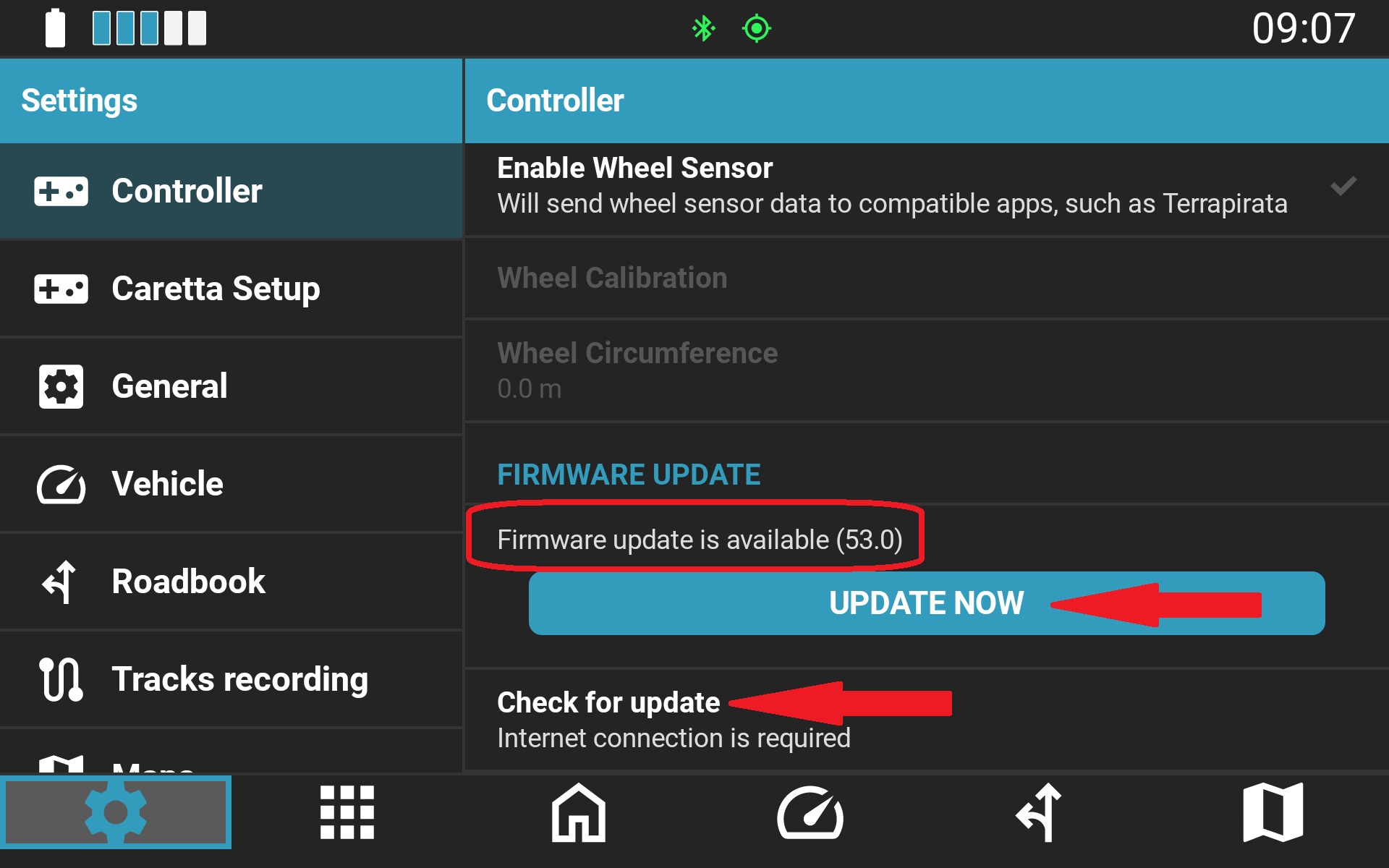
- Scroll down to the controller settings section, tap Check for updates, and tap Update if a newer version is available.
Warning: Do not power down or disconnect the controller until the update process completes.
Legacy Controllers
Older controller models not supported by NGH are updated over-the-air via the legacy Carpe Iter Controller app.
Note: The legacy "CI Control" model does not support firmware updates.
Was this article helpful?
That’s Great!
Thank you for your feedback
Sorry! We couldn't be helpful
Thank you for your feedback
Feedback sent
We appreciate your effort and will try to fix the article